USB-C to HDMI multiport adapter 4K, USB hub, PD pass through
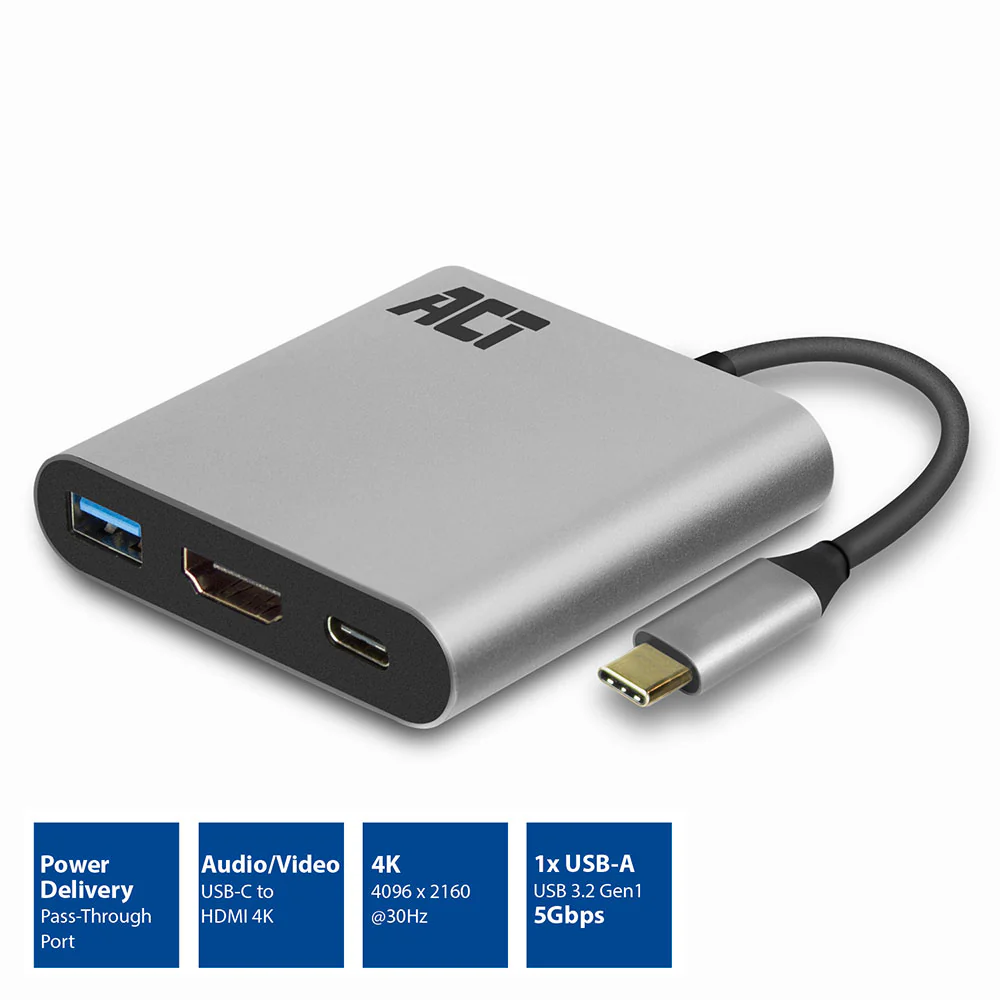
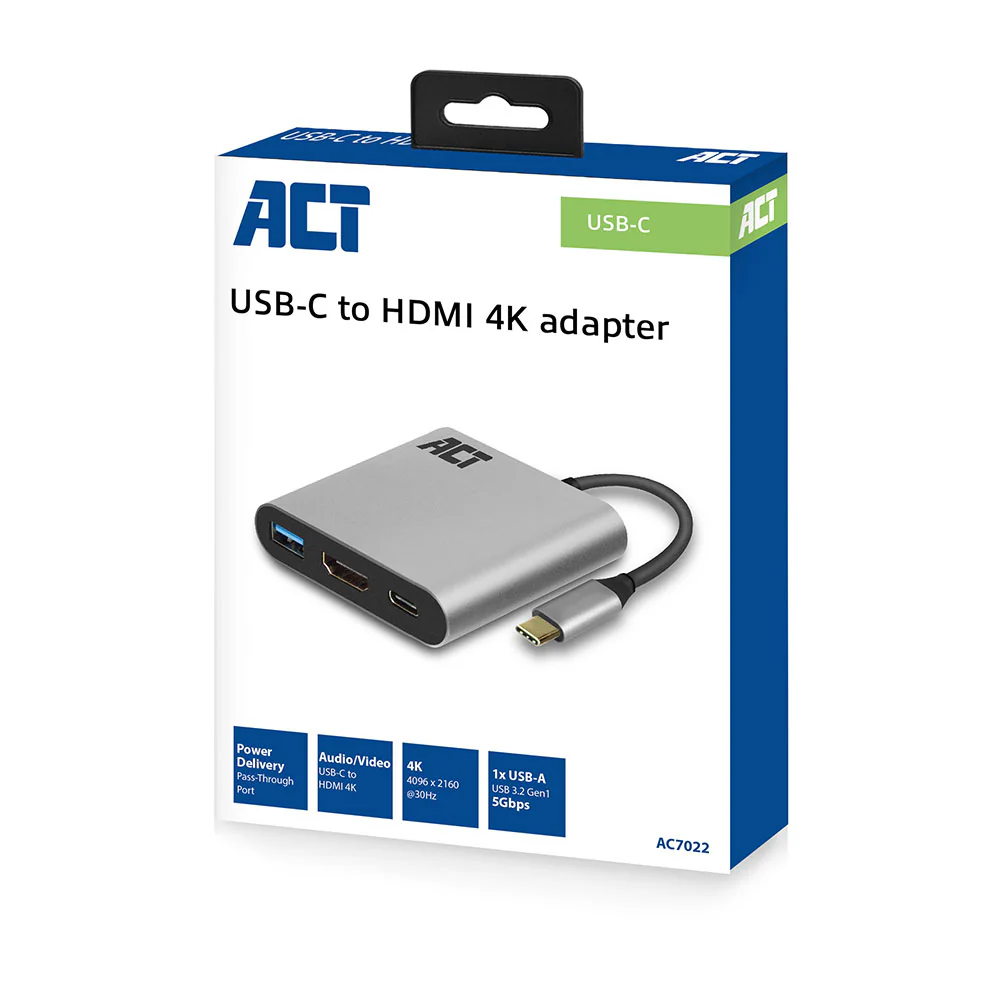
Use the USB-C 3.2 Gen1 to HDMI 4K adapter to connect a HDMI screen or beamer to a notebook. The adapter supports a maximum resolution of 4096 x 2160 (4K) @ 30Hz. The AC7022 has a Power Delivery Pass-Through port (max. 60W) and an additional USB-A port.
- Solid aluminium USB-C 3.2 Gen1 to HDMI video adapter with a max. resolution of 4096 x 2160 (4K) @30Hz
- 60W Power Delivery Pass-Through port for charging your connected device
- USB-A 3.2 Gen1 data port
- Plug and play: a USB-C port with DisplayPort Alternate Mode (DP Alt Mode) is needed
Connect a notebook with USB-C to a monitor or beamer with HDMI
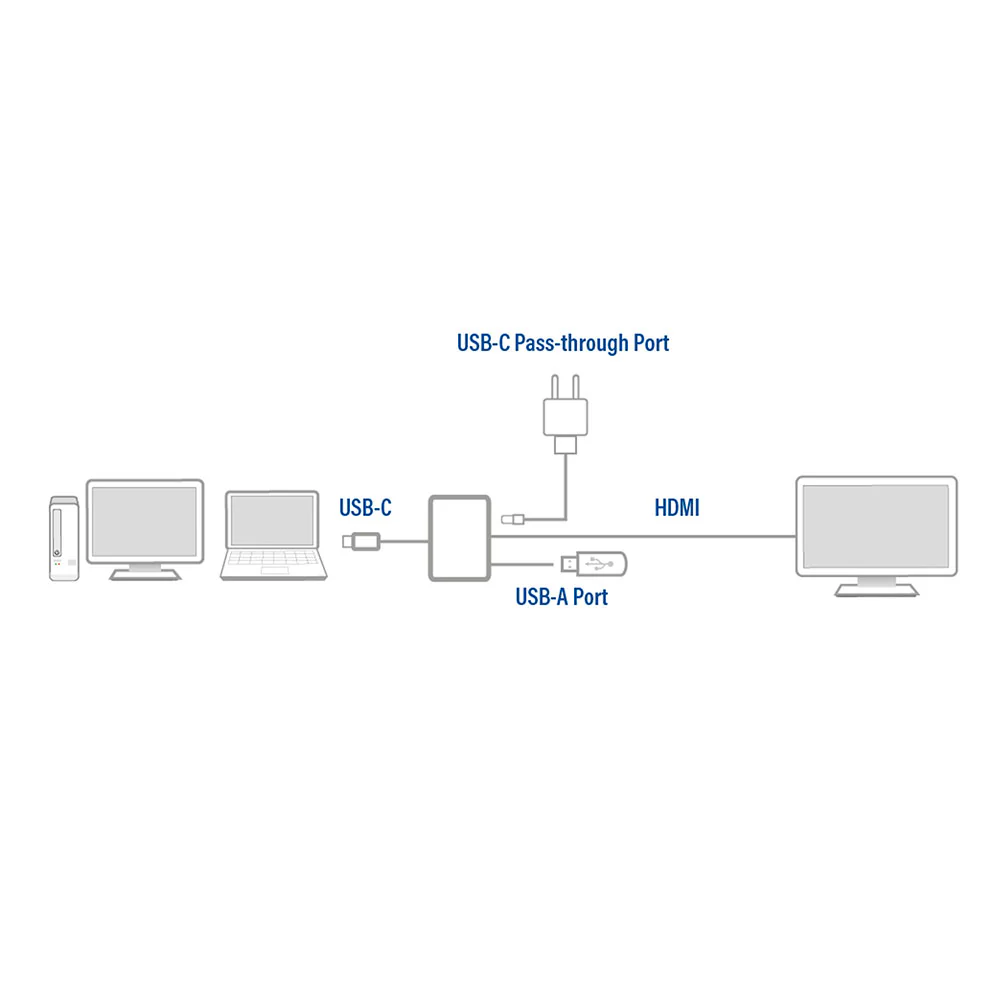
Connect a source device with USB-C to a monitor or beamer with HDMI by using the USB-C 3.2 Gen1 to HDMI adapter. The USB-C port of the source device must support DP Alt Mode. The USB-C to HDMI Adapter supports the maximum resolution of 4096 x 2160 (4K) @ 30Hz. The AC7022 has an additional USB-A data port.
USB-C Power Delivery Pass-Through port 60W
The USB-C Pass-Through port supports power delivery 60W. The notebook is always charged with the right amount of power thanks to the pre-defined Power Delivery profiles. The charger communicates with the notebook to negotiate the most effective charging profile.
Product Information
Product Information
Shipping & Returns
Shipping & Returns
Description
Use the USB-C 3.2 Gen1 to HDMI 4K adapter to connect a HDMI screen or beamer to a notebook. The adapter supports a maximum resolution of 4096 x 2160 (4K) @ 30Hz. The AC7022 has a Power Delivery Pass-Through port (max. 60W) and an additional USB-A port.
- Solid aluminium USB-C 3.2 Gen1 to HDMI video adapter with a max. resolution of 4096 x 2160 (4K) @30Hz
- 60W Power Delivery Pass-Through port for charging your connected device
- USB-A 3.2 Gen1 data port
- Plug and play: a USB-C port with DisplayPort Alternate Mode (DP Alt Mode) is needed
Connect a notebook with USB-C to a monitor or beamer with HDMI
Connect a source device with USB-C to a monitor or beamer with HDMI by using the USB-C 3.2 Gen1 to HDMI adapter. The USB-C port of the source device must support DP Alt Mode. The USB-C to HDMI Adapter supports the maximum resolution of 4096 x 2160 (4K) @ 30Hz. The AC7022 has an additional USB-A data port.
USB-C Power Delivery Pass-Through port 60W
The USB-C Pass-Through port supports power delivery 60W. The notebook is always charged with the right amount of power thanks to the pre-defined Power Delivery profiles. The charger communicates with the notebook to negotiate the most effective charging profile.